

In beta now, in the App Store soon
A MySQL and MariaDB client for Mac, iPhone and iPad.
Browse and edit tables, run queries, and export or import files of any size, directly or through an SSH tunnel. One app, the same on all three.
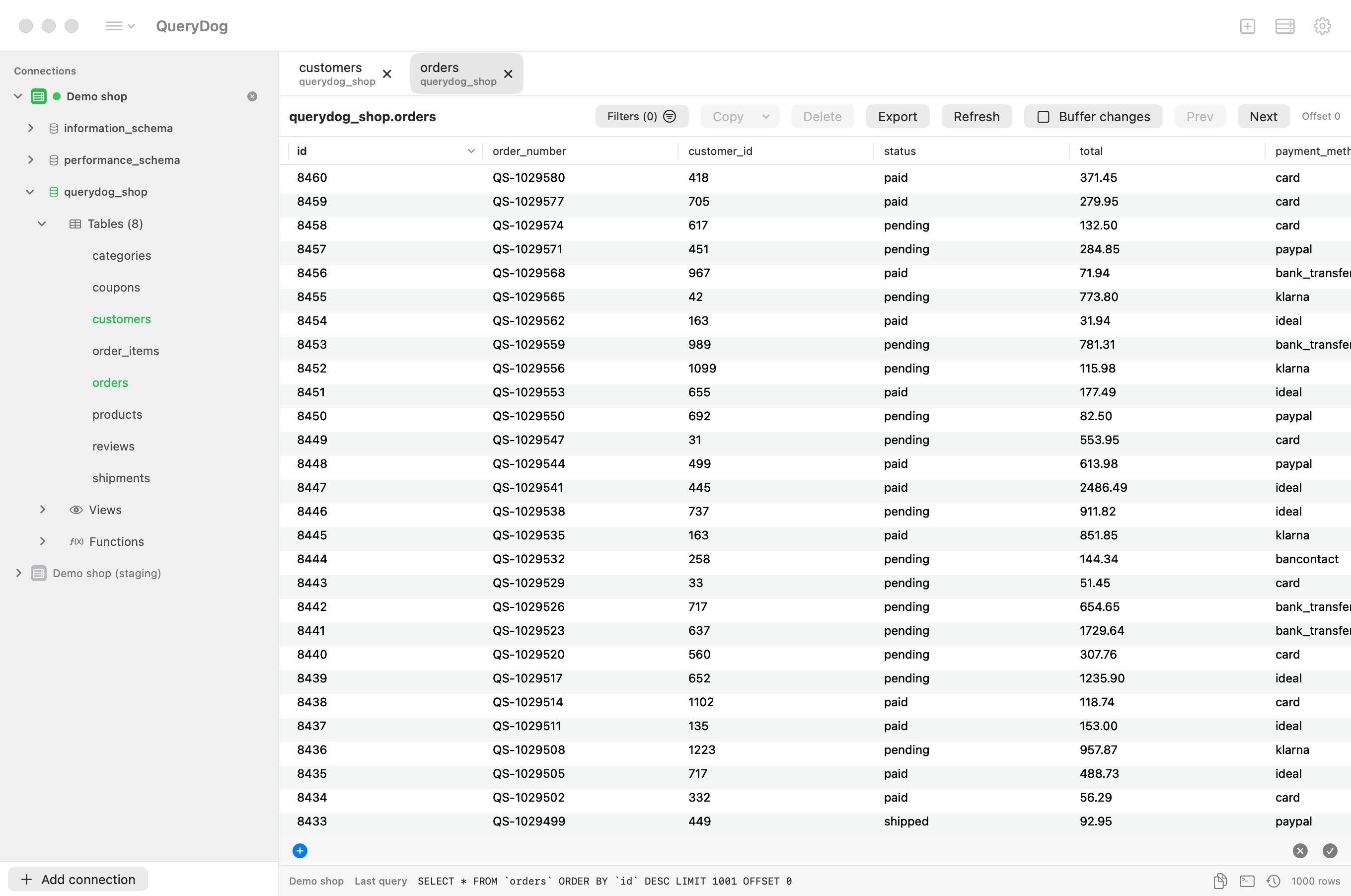
Not a companion app
The iPhone and iPad have what the Mac has: the tabs, the grid, the filters, the exports and the imports. Files come from the Files app; an export goes to Files, AirDrop or another app.
What it does
Everything below is in the app today, on each of the three.
Connect
Straight to the server, or through a tunnel.
- Direct or through SSH
- Connect to the server itself, or through an SSH tunnel that signs in with a password or a key.
- SSH keys
- Make an ed25519 key on the device, or add a key file you have. One key is the default; a connection can use another. Private keys are kept in the Keychain.
- Signing in
- Works with
mysql_native_passwordandcaching_sha2_password, the default of MySQL 8 and later.
Browse and edit
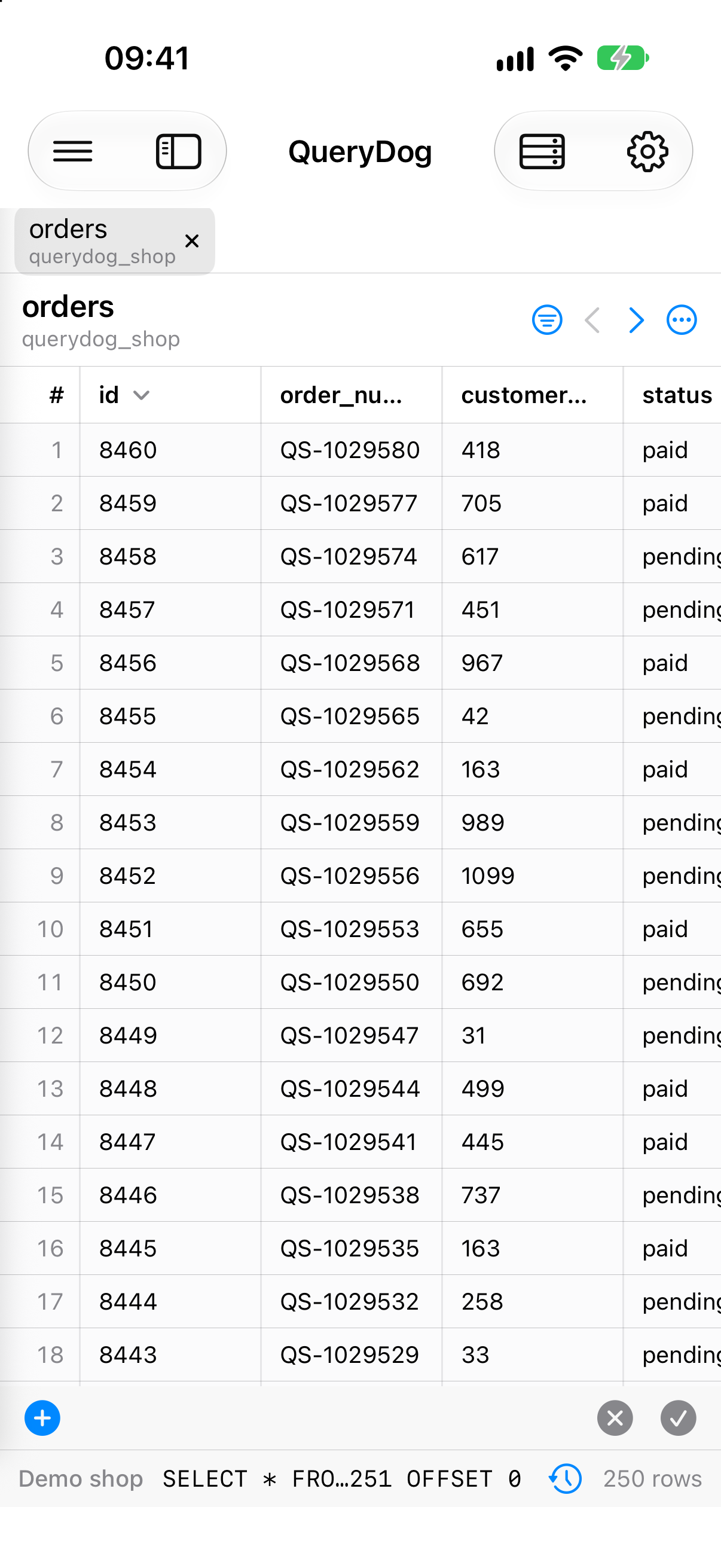
The sidebar, the tabs and the grid you know from other clients.
- Sidebar and tabs
- Databases and tables in a sidebar, on the left or the right. Each table and each query opens in a tab.
- Data grid
- A page of rows at a time, of a size you set. Click a column to sort; filter on any column with operators such as contains, ≥ and is null.
- Editing
- Change a cell where it is. Buffer your changes, read the SQL they come to, and apply them in one transaction.
- Queries
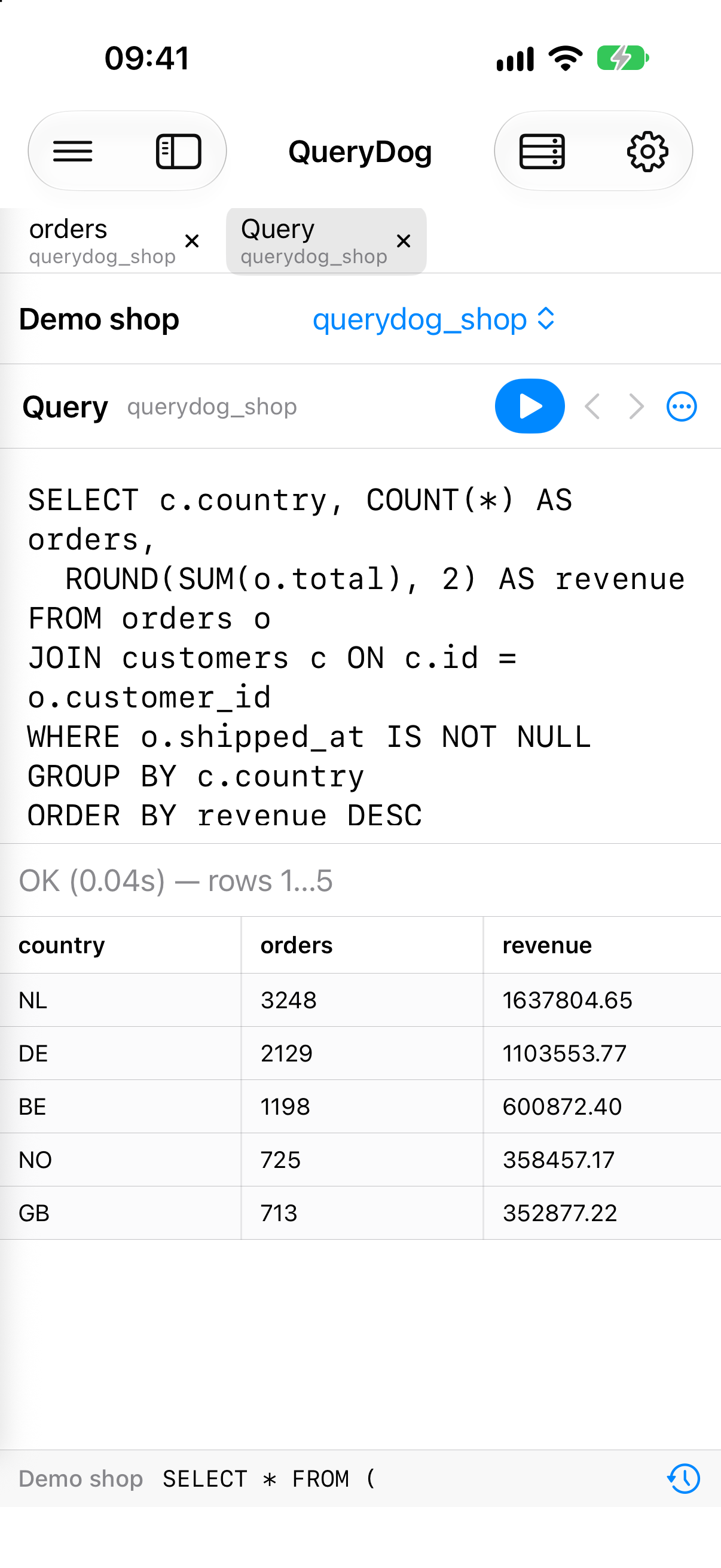
- Run SQL and get the result in a grid. Cancel a query that takes too long. The query log keeps the last 500 statements.
- Structure
- Add, change and remove columns; the
ALTERstatements are shown before they run.
Export and import
Rows go a batch at a time, so the size of a table or file does not matter.
- Export
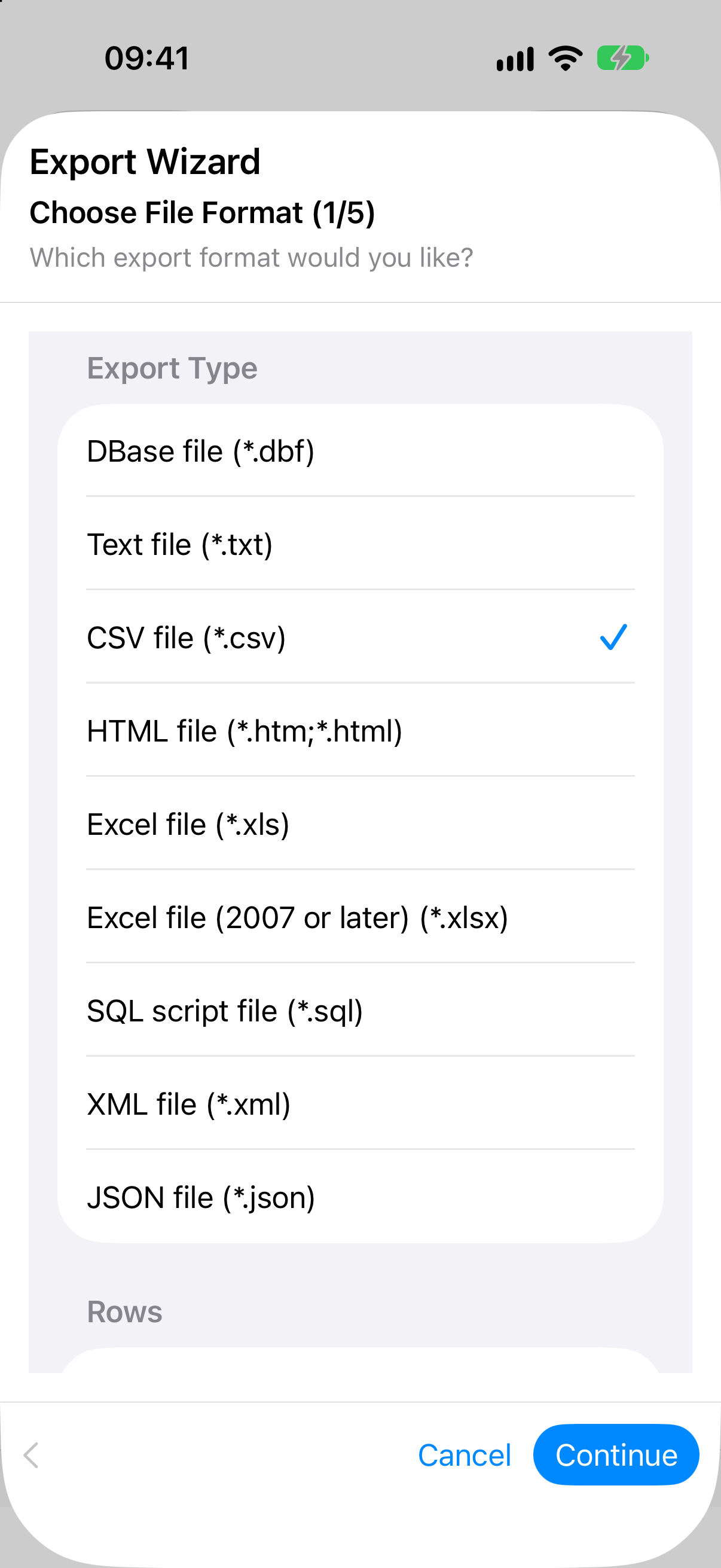
- A table, a query result or a whole database to CSV, text, JSON, XML, HTML, SQL, Excel or dBase. A table is exported as it was the moment the export began.
- Import
- CSV, Excel and JSON into a table that exists or a new one. Encoding and delimiter are recognised, and shown with the first hundred rows before anything is written.
- SQL files
- Run a script or a dump statement by statement. It follows
DELIMITERlines; when a statement fails you get the line it is on. - Copy
- Selected rows as tab-separated text, CSV, JSON, or
INSERTandUPDATEstatements.
Sync
Set up a connection once.
- iCloud
- Connections, preferences and the query log sync between your devices through your own iCloud, encrypted. Passwords travel in iCloud Keychain.
- Private keys stay
- A private SSH key never leaves the device it is on. Another device gets the name and the fingerprint, and its own key.
Ploi
For servers you manage with Ploi.
- SSH key on your servers
- Link your Ploi account and the app puts the public key of the device on the servers you choose.
- Database and connection
- Create a database with a user of its own on a server. The connection to it is saved at once.
Safety
For the day you are in production by mistake.
- Read-only connections
- A connection marked read-only refuses statements that change data or structure, and imports and scripts before they start.
- Asks first
- An
UPDATEorDELETEwithoutWHERE, aDROPor aTRUNCATEin the query tab asks before it runs: on every connection, or only on those you marked as production.
An export holds what the database holds
Not the text the grid shows. A NULL stays a NULL and is never the word; a date is written the same way whatever your display settings are; bytes are bytes.
| Format | NULL | Number | Date | Bytes |
|---|---|---|---|---|
| CSV, text | nothing, \N or NULL | 1299.50 | 2026-09-28 10:08:53 | 0x00FF |
| JSON | null | 1299.50 | "2026-09-28 10:08:53" | "AP8=" |
| XML | xsi:nil="true" | 1299.50 | 2026-09-28 10:08:53 | AP8= |
| SQL | NULL | 1299.50 | '2026-09-28 10:08:53' | X'00FF' |
| Excel | an empty cell | a number | a date and time | 0x00FF |
Free with two connections
One purchase, once, makes that as many as you like. No subscription.
- QueryDogEvery feature, with two connections.
- Free
- Unlimited connectionsOne purchase for Mac, iPhone and iPad together, on every device that uses your Apple Account.
- $8.99 · €9.99once
The App Store sets the price in your country and currency.